Take the quick web quiz
Answer five light questions about the eyes, smile, and personality you picture most. You can also preview mother and father photos side by side right in your browser.

Start with the free quiz, then create your baby photo in the iPhone app.
AI Baby Generator: Face Maker is an iPhone app that creates a playful future baby portrait from two parent photos. Start with our quick web quiz, then continue in the app to make your portrait.
Answer five light questions about the eyes, smile, and personality you picture most. You can also preview mother and father photos side by side right in your browser.
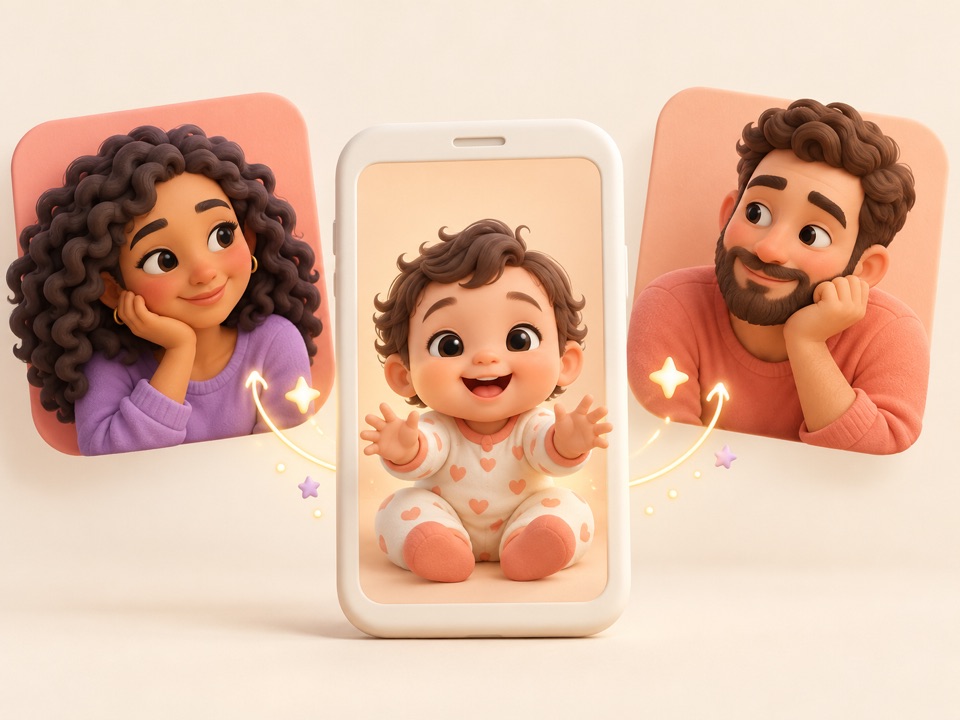
Download AI Baby Generator: Face Maker on the App Store, where a free trial lets you generate your baby portrait for free. Check the trial terms in the app before starting, then select two parent photos from your camera roll.

Turn your two parent photos into a playful future baby face and explore trait adjustments inside the app. Save your favorite portrait to your iPhone or share it with family and friends.
When you are ready to go beyond the web quiz, open the iPhone app to turn two parent photos into a creative baby portrait.
Select a photo of each parent in the iPhone app to generate a sweet, fictional baby face whenever you and your partner are curious about what a future child might look like.
Download on the App StoreUse the app's trait adjustments to try more than one creative variation of your baby portrait, giving you a simple way to explore different looks from the same two parent photos.
Save your favorite generated baby portraits directly to your iPhone photo library so you can revisit them anytime or send a lighthearted preview to your partner, family, and friends.
Whether you are daydreaming on the couch or sharing a laugh with family, the quiz and iPhone app keep the experience light and warm.
Compare your quiz picks on the couch, talk through the personality you each picture, and open the iPhone app together to see a playful baby portrait.
Wonder about a familiar smile or expression you both love in a purely imaginative way, celebrating your favorite family traits.
Save your favorite portrait in the iPhone app and send it to grandparents or close friends for a warm, lighthearted conversation starter.
Keep these four simple habits in mind when choosing parent photos.
Choose front-facing photos where your eyes and smile are easy to see, without sunglasses, hats, or hands in the way.
Soft daylight or bright indoor light helps your natural facial features show up clearly without harsh shadows or glare.
Skip heavy beauty filters or color effects and pick a clear, everyday photo that looks like you.
Use a photo with just one parent in the frame, or crop out extra people before you select it.
It is an iPhone app that creates an imaginative, fictional baby portrait from two parent photos and lets you explore trait adjustments. On this page, you can start with a free 5-question quiz about the family traits you picture most.
Yes, the iPhone app uses two parent photos to generate a baby portrait. During the web quiz on this page, adding photos is completely optional and only creates a local side-by-side preview in your browser.
The web quiz is a fun warm-up that builds a text summary of your trait and personality picks. It does not generate a portrait or transfer data to the app—you will choose your parent photos fresh inside the iPhone app.
Compare the browser trait quiz and the iPhone photo generator
Clear, front-facing photos in even, natural light are easiest to work with. Choose everyday shots where each parent is the only person in the frame, without sunglasses, hats, heavy shadows, or strong filters.
No. The app creates a creative, fictional portrait for entertainment only. It does not analyze genetics or DNA, and it cannot make a scientific or medical prediction of what a real future child will look like.
Learn how two-parent photo generators work and what their limits are
The quiz on this website is free. The AI Baby Generator: Face Maker app for iPhone offers a free trial that lets you generate your baby portrait for free. Please check the trial terms and pricing details in the app before starting.
Check how free browser access differs from iPhone app trials
Your answers and optional photo previews stay in your current browser tab. Photos are never uploaded, analyzed, or sent to the app. Refreshing the page clears your answers and previews.
Yes. Once you create a baby portrait in the iPhone app, you can save the image to your phone and share it with your partner, family, and friends.
Turn two parent photos into a fun AI baby portrait in AI Baby Generator: Face Maker for iPhone.
Download on the App StoreYou can generate your baby portrait for free during the iPhone app's free trial. Select your two parent photos there.